Featured Post

Beolover SyncDrive: DC Platter Motor Replacement for Beogram 4002 and 4004 (Type 551x and 552x)

Late Beogram 4002 and the 4004 (Types 551x and 552x), which have DC platter motors instead of the earlier synchronous AC motors usually suff...

Showing posts with label display. Show all posts

Sunday, February 15, 2026

Beomaster 8000 (1903): Updating the LED Displays with a Roslinde Beomaster 8000 Display Kit

I am in the process of selling a Beomaster 8000 (Type 1903) that I restored a while ago. When I set it up for testing I realized that I did not replace the original LED displays back then. The reason was that this Beomaster did not have any missing display segments. Since I used it in my house I thought why not wait until the first segment would go out. But now I need to ship this unit and so I thought it prudent to replace the displays with modern LEDs. The original ones are pretty fragile at this point in time and frequently fail. I used to do this process manually by scratching off the original LEDs from the circuit boards and hand-soldering 0603 LEDs into their place (see here for an example of this approach). This process usually kept me busy for a few hours.

Annoyed by the thought of having to do all this microsurgery I got ready to get professionally manufactured display PCBs with surface mounted LEDs made. But then I was made aware that Roslinde Electronics in Denmark already had beat me to the task! They even designed similar PCBs fitting the Beomaster 6000 and the Beocord 8000-9000 displays! Very Beoawesome!

I ordered a set of the Beomaster 8000 PCBs. This is what I received:

In the kit were the four PCBs matching the four original LED displays of the Beomaster 8000. There were also board headers that needed to be soldered in place and bent to match the headers on the original boards. Since modern LEDs are a bit brighter than the 1980s types mounted on the original boards, there are also cut-to-size filter foils that reduce the intensity of the new LEDs to a level matching the output of the original ones. 

Let's see what needed to be done to install them:

The first step was extracting the display PCB from the Beomaster. If this is a mystery, have a look at the service manual that is widely available on line.

This shows the extracted board:
I unsoldered the top right display that shows the FM frequency:
This shows it from the side. Note the bent pin header that enables the display to be mounted at an angle relative to the board:
This shows the backside of the assembly:
The red and white 'thermo-squashed' plastic bumps hold the red display cover and the underlying light aperture in place:
For the removal of the red cover the squashed part of the bumps needed to be removed. I did that with a razor blade. This shows the red bumps liberated:
After removing the red cover the aperture piece that shapes the segment appearance is revealed:
After cutting off the white plastic bumps the aperture could be removed, too, which revealed the PCB with its non-encapsulated LEDs:
Installation of aperture piece and red cover on the new boards is straight forward. I elected using white wood glue for fastening the pieces into the mounting holes since I am a believer in 'reversible' modifications, i.e. modifications that can be again restored at a later point in time (think about this Beomaster being unearthed a second time in another 40-50 years with a new generation of Beolovers rebuilding it once again!...;-). I just put a bit of the glue into the mounting holes with a toothpick and then I pressed the aperture and cover into place. Then I secured everything with carpenter clamps on my bench top until the glue had hardened:
This shows the reassembled display:
After soldering in the headers and bending them with pliers to the approximate angle of the original boards I implanted the newly rebuilt frequency display in the Beomaster and fired it up: 
Way to bright, as expected! I just wanted to see the difference relative to the original displays before applying the provided filter foils. This shows the display after I put the filter on: 
An excellent result! The new display looks very similar to the original ones! Beoperfect! This encouraged me doing the remaining three display assemblies. Here you can see them clamped while the glue was drying:
This time I soldered and bent the headers before re-assembling the display units. Note that the balance display header has a different angle than the other three. Details, details!...;-). This shows all four rebuilt displays in place and illuminated:
Very nice! In summary, I can only recommend using Roslinde Display Kits for Beomaster and Beocord restorations! 


Sunday, April 22, 2018

Beomaster 6000 (2702) restoration: polishing the red plexiglas display panel

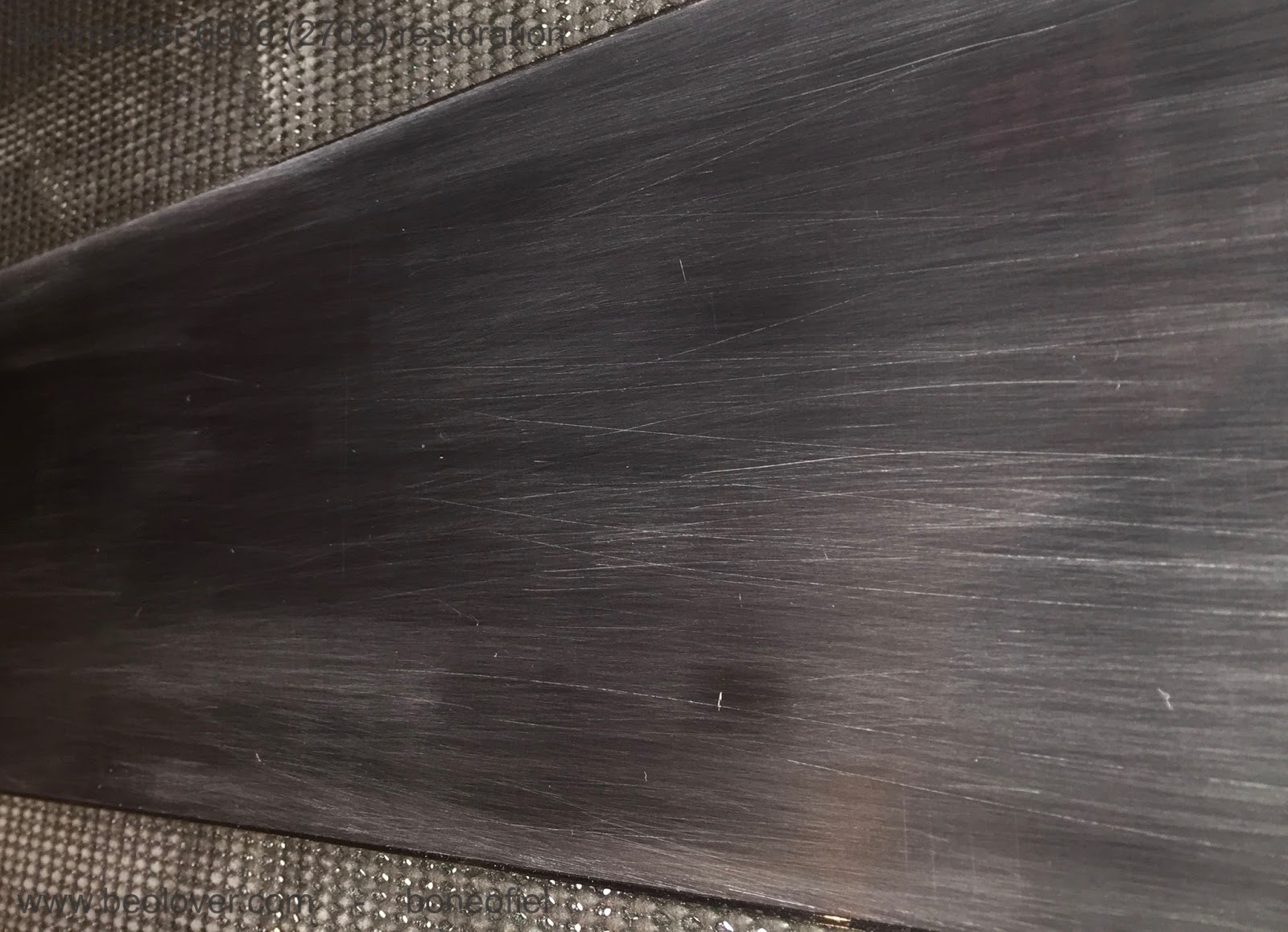
Today was polishing day! The plexi display on this Beomaster 6000 quad had some scratches in it and haziness. Very common after decades of being exposed to (polluted) air, damp, vapours, sigaret smoke, cleaning detergent, bad swiping/dusting, etc. It is very easy to get scratches from finger nails, rings or other jewellery, dirty cleaning clothes, you name it.

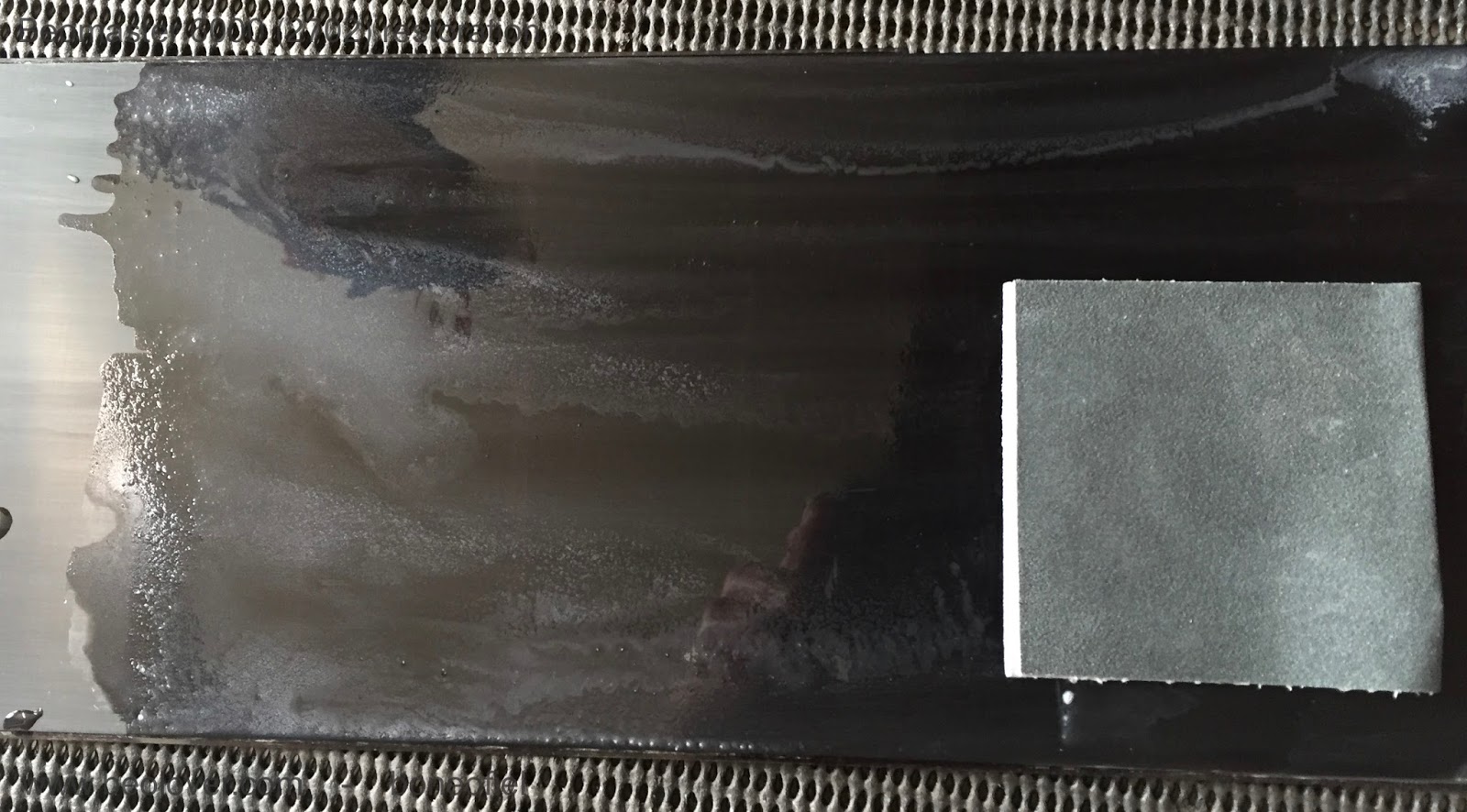
So I started off with 400 grit waterproof sand paper. That revealed the scratches even more as you can see on the picture.


There is only one good way of getting rid of these scratches: polishing, polishing, ...starting with a coarse one and working your way up to a very fine one. I used sandpaper grit 400, 600 and 800 before switching to a micro-mesh type of 1500, 1800, 2400, 3200, 4000, 6000, 8000, 12000.  Please note that "grit" size sandpapers and "mesh" type size are not the same. A standard 800 grit sandpaper correspond to about a 1500 mesh type. Conversion tables can be found on the internet. The Micro-Mesh™ brand has kits available with a whole range of sizes. Micro-Mesh™ likes to call it "a non-abrasive abrasive. It is considered a cushioned abrasive in fact.". It can be washed and reused and has a more structured crystal alignement (compared to ordinary sandpaper) that leaves a more consistent scratch pattern.

Following 2 pictures courtesy of Micro-Mesh™


A few important things to keep in mind when polishing plexiglas:

- polish in straight lines and change direction perpendicularly after each grit/mesh size
- wipe off regularly with a perfectly clean cloth (microfibres of paper towel)
- use a bit of water; it acts as a lubricant, removes dust easier and keeps the plexi cool (in case you want to use a power-tool to do the polishing)

I've done a few Beogram dust hoods, but this display panel seemed to be much more difficult. Not sure why, the material is maybe different, or it's just the fact that this is a dark red (almost black) type of plexi and easier to see scratches.

A few impressions of the different steps in the polishing process:


At 2400 mesh I got this result


And already a bit transparent, but still a long way to go.


After a few hours I finally got down to Micro-Mesh 12000. Once above 6000 you can hardly call that "sanding" anymore. It's so fine that  you have trouble seeing what the effect is.

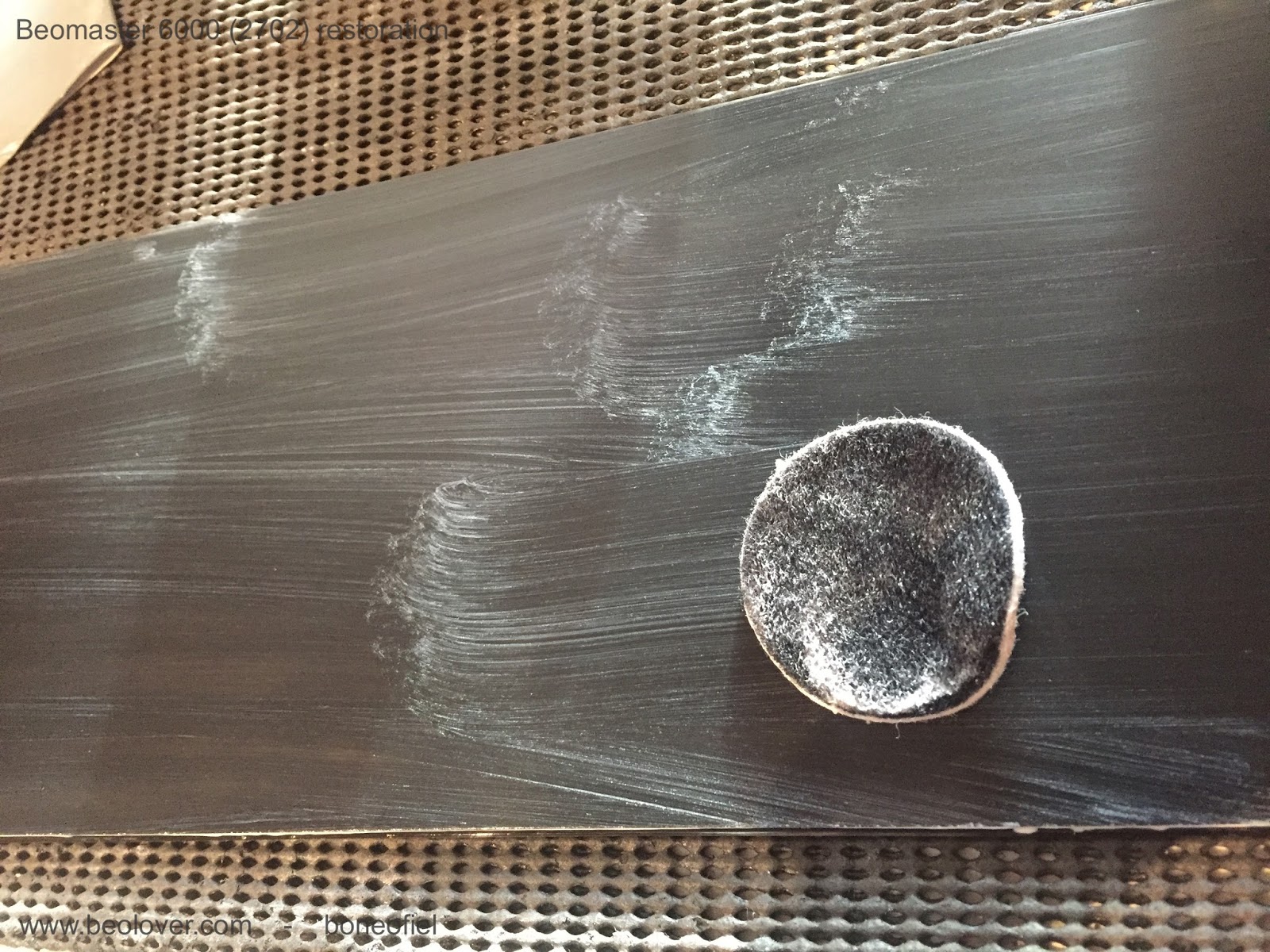
The next step is usually a fine Micro Polish liquid that is used, but I wasn't happy with the result at this point. Still to much haziness to my liking. So, I changed strategy and digged out another polishing kit that I used in the past for a car headlight fixture that also had some haziness. The kit contains 2 compounds: a abrasive (cutting) one and a polishing one.


This worked very well. You apply the compound A with a pad (you can use a small polishing machine or drilling tool if you want) for a few minutes. Then wash it off and apply compound B which is ticker and has a brownish color. I used a small pad again and added a few drops of water each time the compound was drying and starting to stick to the plexi. The result was good.


To finish off, I put some surface sealing coating on top to make it water resistant and more easy to clean in the future.


I couldn't resist taking out the restored key panel and the black anodised back frame to put them together with the display to see how it would look like once everything was assembled.


You can see the reflection of some wall pictures (my grandkids..) in the display. Time to rest. I can hardly feel my arms after all this polishing today.....

Thursday, April 19, 2018

Beomaster 8000: Finishing up the capacitor replacement

This Beomaster is getting closer to a test run. I completed the capacitor replacement on all of the boards now. There were no real surprises there. I did find a higher than normal number of capacitors that were out of tolerance and quite a few on the border of being out of tolerance. In addition to the capacitor replacement I also replaced some opamp devices and I reflowed the solder joints on all of the board connectors.

Here are the FM and FM Interface boards.


Next, the preamplifier board.


I had seen quite a bit of dirt, grime and rust on this Beomaster in the previous blog posts so I was wary of possible corrosion on the circuit boards. You can see that the six input level trimmers have some sort of grime on the plastic housing.


Sure enough, several of these trimmer knobs would barely turn. I used two types of Deoxit spray on the trimmers. Each trimmer has three slots that expose the inner workings and I was able to flush the grime and get them working smoothly again.


Along with the capacitor replacement there are seven audio opamp devices that get replaced. Beolover just posted a nice description of why we replace these particular opamps. Here is the preamplifier board with the capacitors removed and new eight pin sockets ready for new LF353N opamps.


...and here is the completed preamplifier board.


The Filter & Tone Controls board also has some audio opamps in the signal path that get replaced. There are also a few capacitors to replace. The tone control sliders and switches also received Deoxit treatment so they operate smoothly and have clean contacts.


As I did on the preamplifier board I added sockets for the new opamps. The sockets are nice because it makes it safer to install the new opamps (no solder heat gets applied to the actual device). Having the socket also makes it easy to switch out a different opamp in the future should that become necessary.


The display and microcomputer boards have only two capacitors each (that get replaced). The display board will be revisited later to change out the display segment LEDs and to replace the four indicator lamps.


Here are the two replacement capacitors on the display board.


This is also just a first visit to the microcomputer board. I will come back to it and replace the two oscillators later.


The 22uF (9C85) capacitor on the left has been replaced before. The original capacitor leads were cut and the replacement capacitor soldered to the remaining leads (still soldered to the board). That isn't necessarily bad but I prefer removing the capacitor and properly soldering in a new one. 

An important thing on this microcomputer board is that some of the component leads must be soldered to both sides of the board. The negative lead of 9C85 is one of those type of components.


The capacitor replacements on this Beomaster 8000 are now all done. I can reinstall the preamplifier, FM, FM Interface, Filter & Tone Controls boards in the Beomaster chassis now and start connecting their cables.